
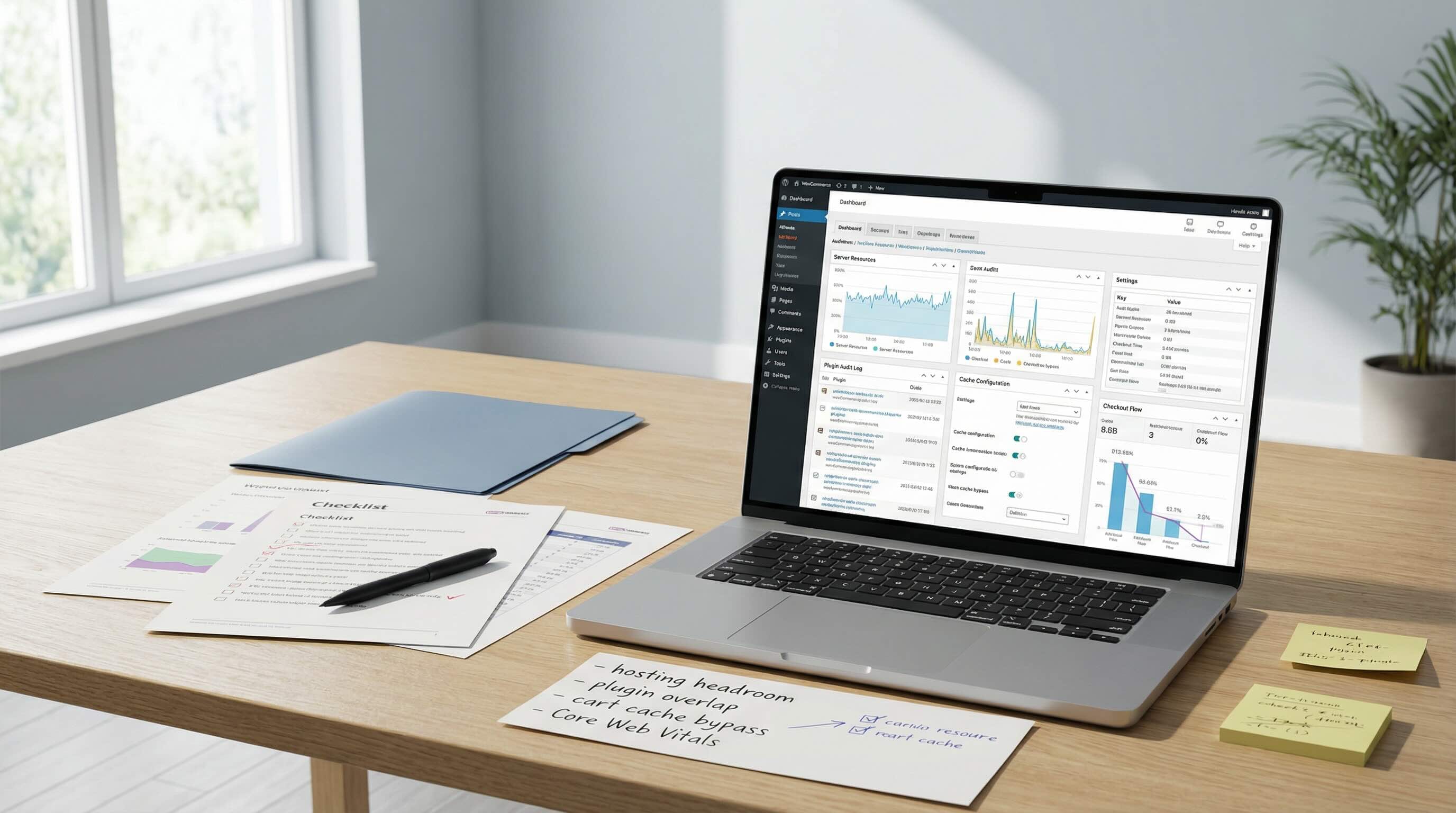
Your WooCommerce store can look fine and still bleed revenue quietly. Most owners see symptoms first: sluggish admin screens, slow mobile product pages, and checkout that feels heavy. The frustrating part is that obvious tweaks rarely solve it because the cause is usually upstream.
1) Hosting limits you cannot see
Shared hosting is built for low cost, not consistency. Your store competes for CPU, memory, and disk with other sites. The result is a familiar pattern: things are “fine” until traffic spikes or an update lands.
A real fix is isolation and headroom. That usually means a runtime profile tuned for commerce workloads instead of a generic template.
2) Plugins are not free features
Each plugin adds execution cost, queries, scripts, and update risk. The problem is not raw plugin count by itself; it is overlap, heavy implementation choices, and unclear ownership.
A practical plugin audit asks:
- What is essential to revenue and operations?
- What duplicates functionality?
- What injects heavy scripts globally?
- What can be replaced with simpler configuration?
3) Caching that fights your store
Caching helps when it is predictable and dangerous when blindly applied. Stores have dynamic pages that cannot be cached safely, including cart, checkout, and account flows.
A stable caching strategy should:
- Cache safe routes aggressively.
- Explicitly bypass dynamic commerce routes.
- Define clear edge-cache rules with tested exceptions.
4) Database and query drag
Many slow stores have unoptimized query paths and heavy background tasks running at peak user times. Symptoms often appear as periodic slowdowns rather than constant slowness.
Operational fixes include:
- Reducing expensive query patterns.
- Scheduling heavy background jobs off-peak.
- Tracking slow-query classes after major plugin updates.
5) No measurement, no truth
Without instrumentation, performance work becomes opinion. Revenue numbers alone do not explain why conversion shifts.
Track:
- Core Web Vitals and real-user metrics.
- Funnel step performance.
- Checkout error rates.
- Response-time trends.
When measurement is in place, improvement becomes repeatable: change one thing, observe, keep what works.
Headline reality check
The title says “what actually fixes it” because tactical tweaks alone rarely hold. Durable speed gains come from ownership discipline across hosting, plugins, caching, and measurement.
If any of this is unclear today, your site is not uniquely broken. It is under-operated.
What to do this week
- Collect starting metrics for homepage, top product page, cart, and checkout before changing anything.
- Remove or replace one non-essential heavy plugin and re-measure impact.
- Validate cache bypass rules for cart, checkout, and account endpoints in production.
- Create a weekly performance review cadence tied to conversion-critical pages.